Image Caption Generator
Upload your image and let our AI generate the perfect engaging captions for your social media in seconds.
Click to upload or drag and drop
JPG, PNG or WEBP (max. 30MB)
What Is an AI Image Caption Generator?
An AI image caption generator is a tool that analyzes your uploaded photo and creates relevant, natural-sounding captions based on what it can understand from the image. It can consider the subjects, setting, mood, activity, and overall visual context, then generate captions suited to platforms like Instagram, Facebook, WhatsApp, and more. With ConverterMAX, you can also create captions in English, Hindi, Hinglish, and Indian regional languages with different styles, lengths, emojis, and hashtags.
How to Use the ConverterMAX Image Caption Generator
Creating a caption is simple. Upload your image, choose your preferences, and let ConverterMAX generate captions that match your photo and selected style.
Upload Your Image
Click the upload area or drag and drop your image into the tool. You can upload JPG, PNG, or WebP images up to 30 MB.
Choose Your Language
Select the language you want for your captions. You can generate captions in English, Hindi, Hinglish, and many Indian regional languages.
Select Your Platform
Choose where you plan to post the image. Available options include Instagram, Facebook, WhatsApp, X, Pinterest, LinkedIn, and YouTube Community.
Choose a Caption Style
Pick the style that fits your photo, such as funny, aesthetic, romantic, professional, motivational, emotional, creative, or casual.
Generate Your Captions
Click Generate Captions. The AI analyzes the visual content of your image and creates multiple caption options based on your selected language, platform, style, length, and other preferences.
Copy the Caption You Like
Review the generated options and use Copy Caption to copy your favorite one. You can also use Generate More to create additional caption ideas without uploading the image again.
Image Caption Examples
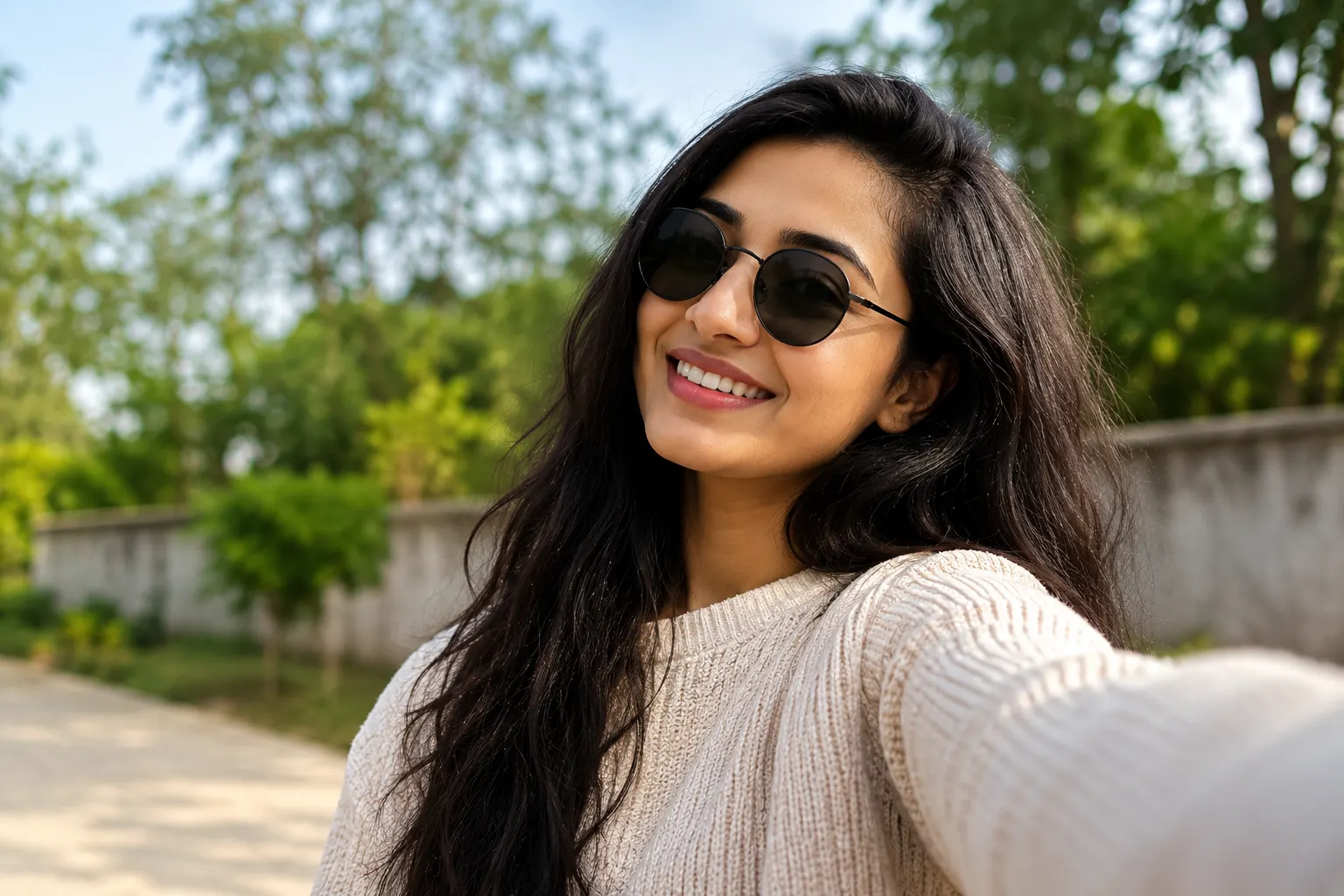
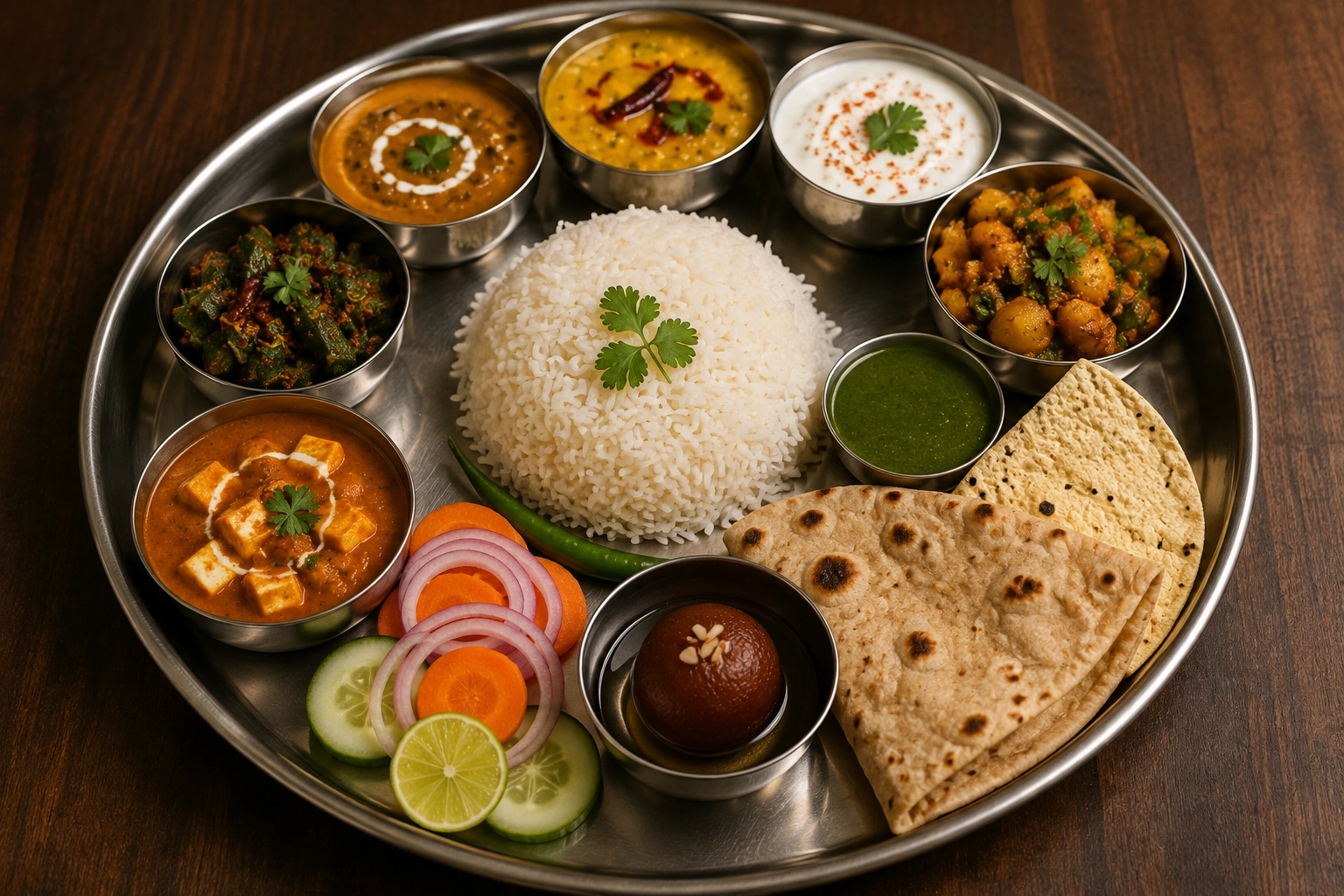
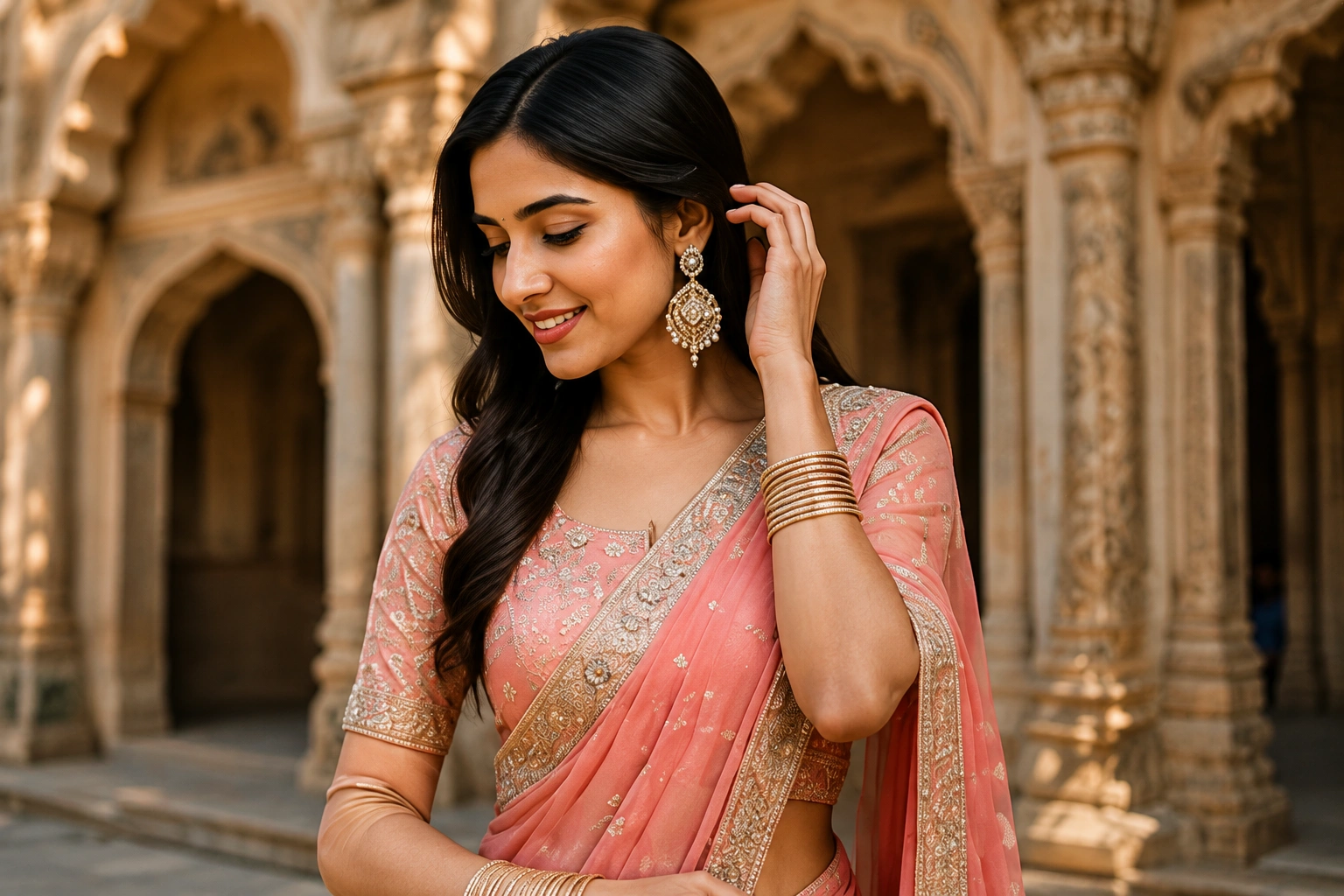
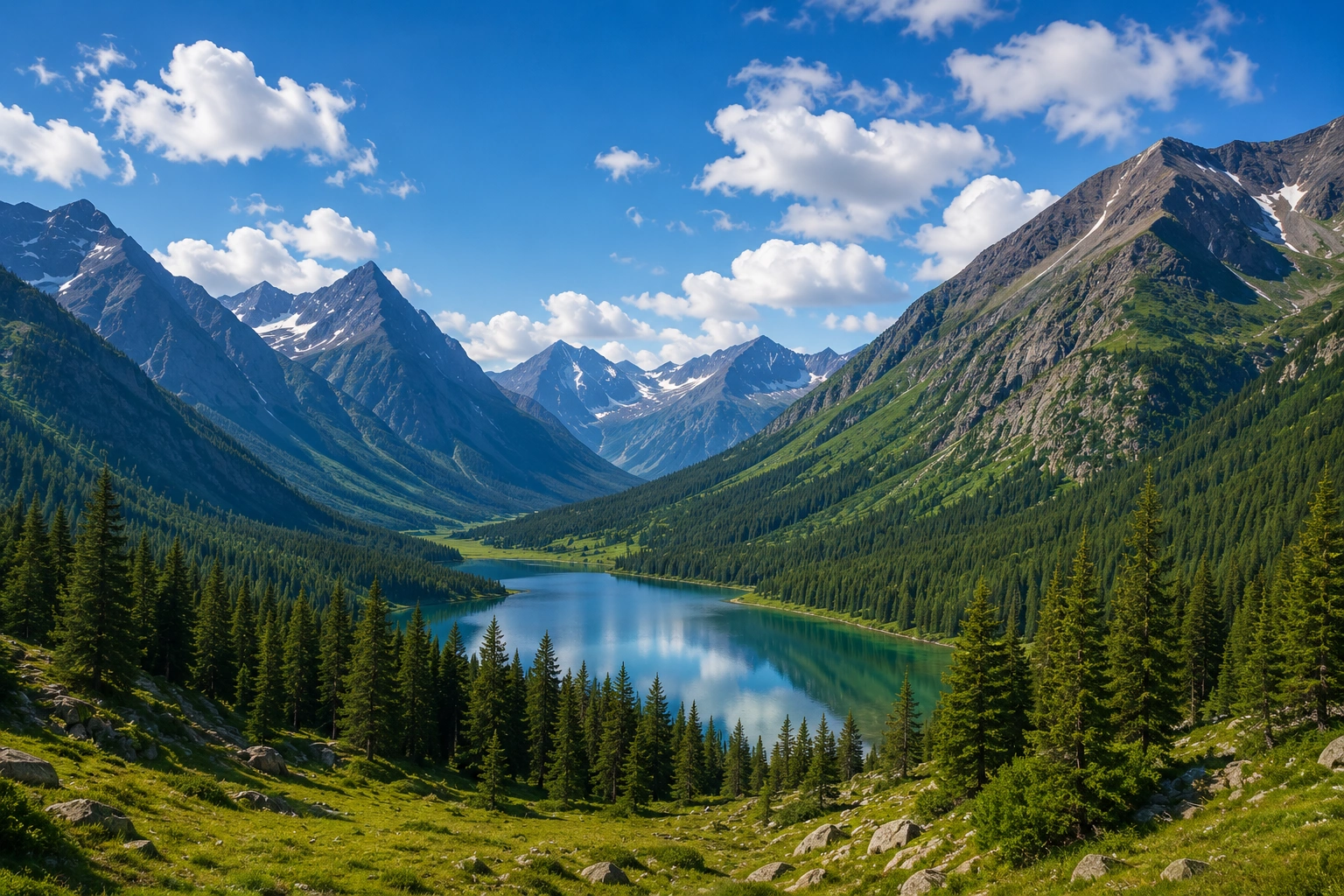
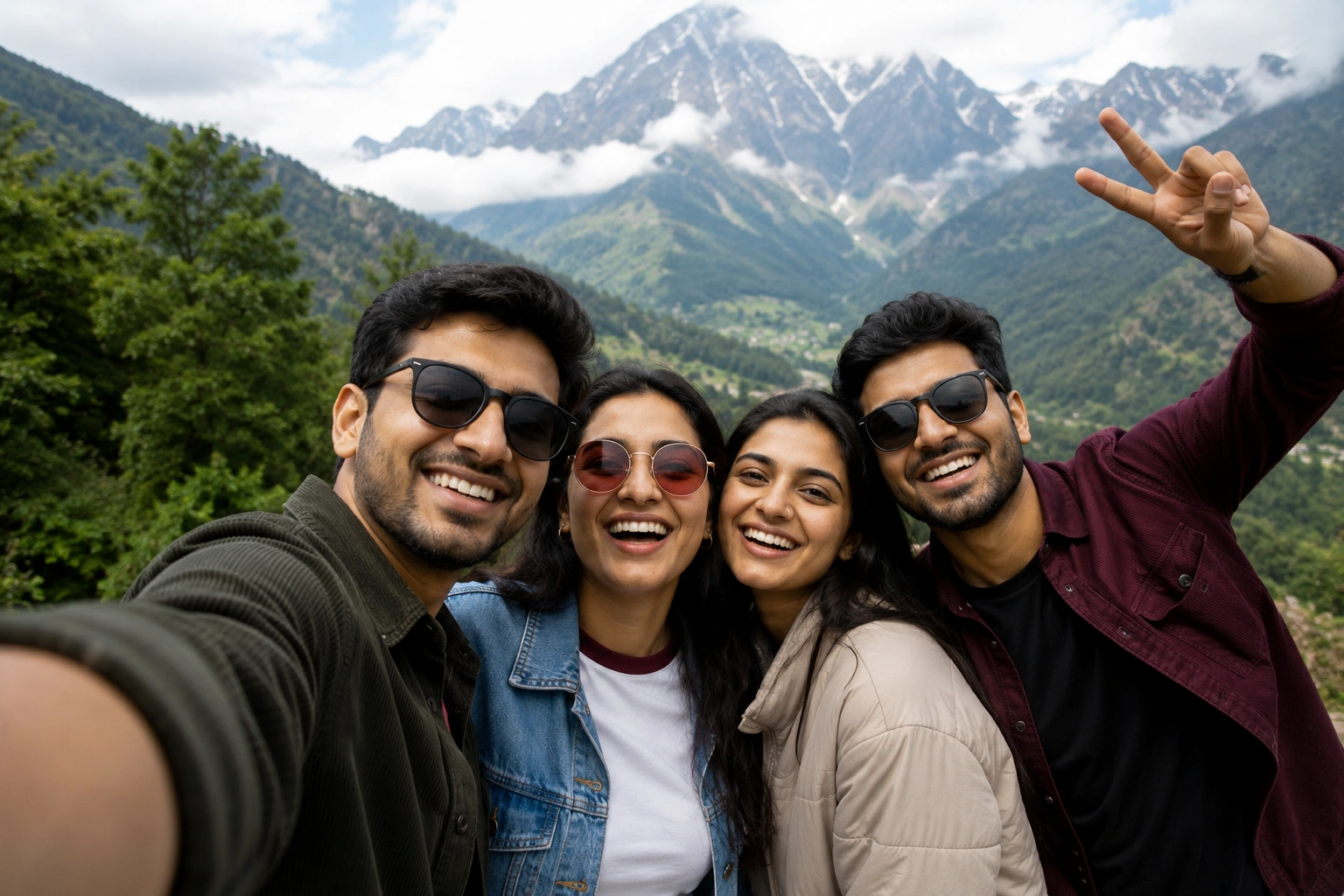
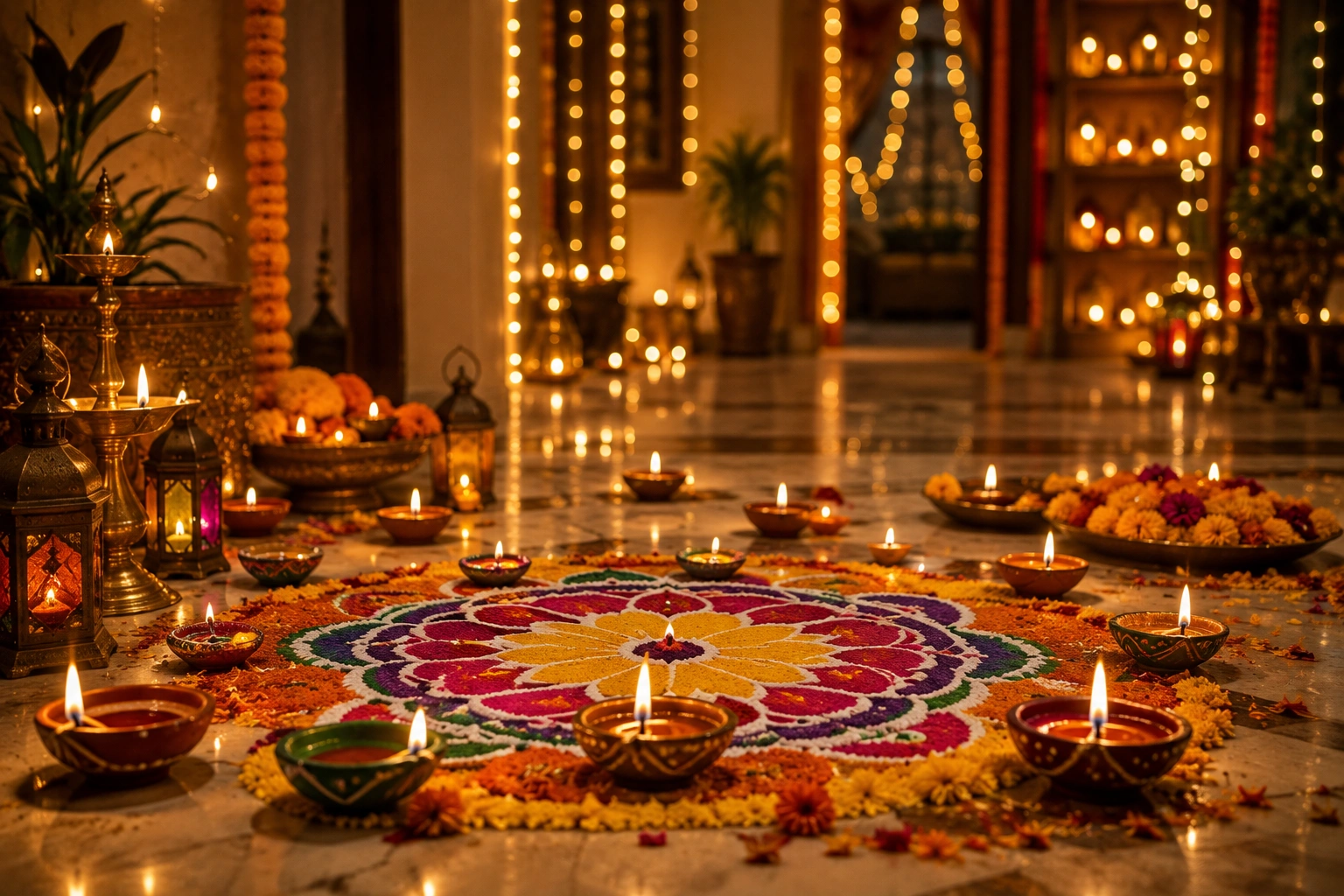
See how ConverterMAX can create different captions for different types of photos. Each example shows the image, selected style, language, and a sample caption.
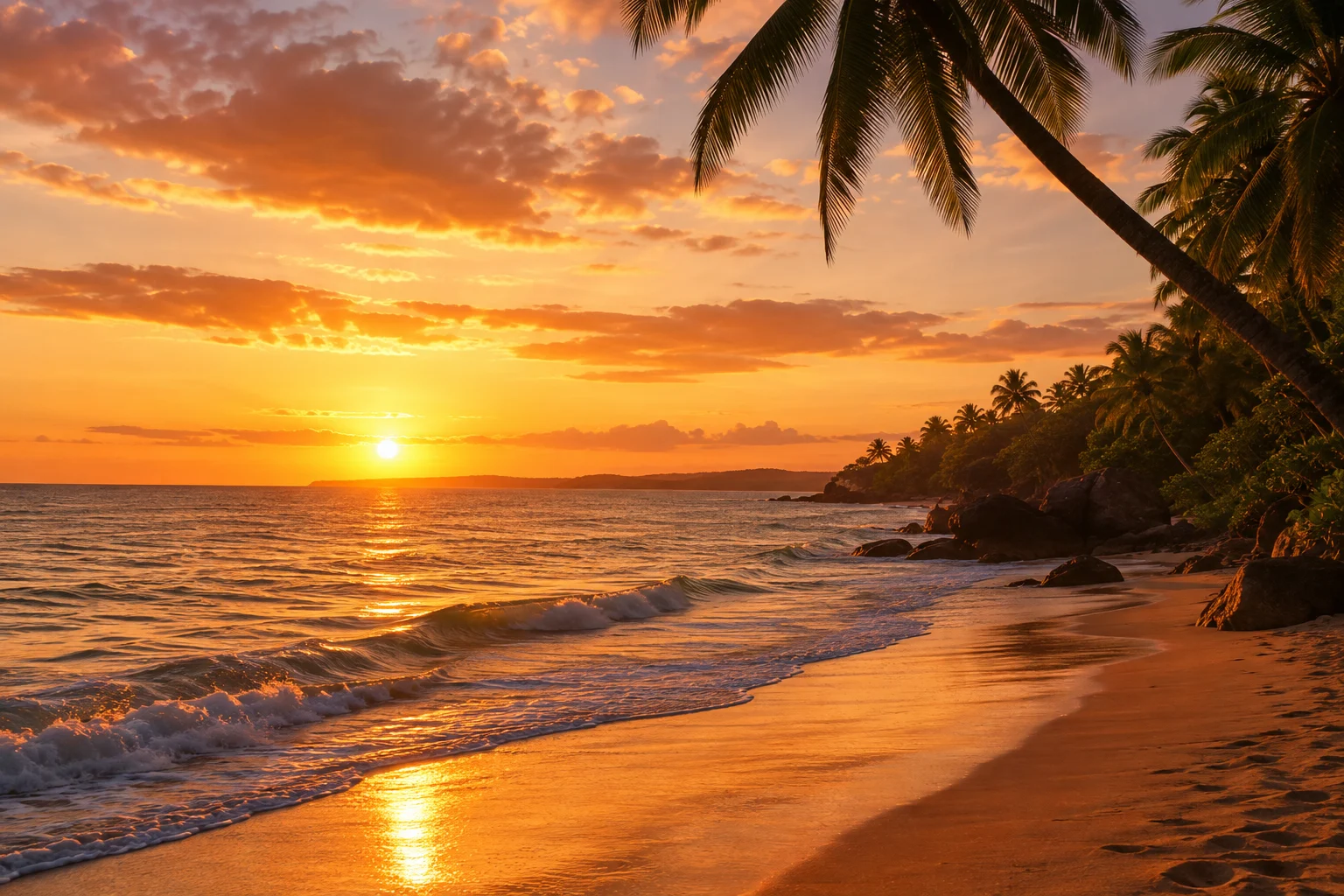
Travel Photo Caption Example
Selfie Caption Example
Food Photo Caption Example
Fashion Photo Caption Example
Nature Photo Caption Example
Friendship Photo Caption Example
Festival Photo Caption Example
Why Use the ConverterMAX Image Caption Generator?
Writing a caption from scratch can take time, especially when you want something that matches your photo, language, and social platform. ConverterMAX helps you create relevant caption ideas quickly while giving you control over how the final caption should sound.
Saves Time
Get caption ideas in seconds instead of spending time trying to find the right words for every photo.
Generates Multiple Options
Create several caption ideas at once, so you can choose the one that best fits your photo, mood, and audience.
Supports Indian Languages
Generate captions in English, Hindi, Hinglish, and many Indian regional languages instead of relying only on English.
Works From Your Actual Image
The AI uses visible details from your uploaded photo to create captions that are connected to the content and context of the image.
Supports Multiple Platforms
Choose Instagram, Facebook, WhatsApp, X, Pinterest, LinkedIn, or YouTube Community and generate captions suited to the selected platform.
Control Style and Length
Choose the tone and length you want, from short aesthetic captions to longer storytelling or professional captions.
Optional Emojis and Hashtags
Turn emojis and hashtags on when they fit your post, or switch them off when you want a cleaner caption.
Easy to Copy
Once you find a caption you like, use the copy button to quickly move it to your social media post.
Frequently Asked Questions
Find quick answers to common questions about using the ConverterMAX Image Caption Generator.
What is an image caption generator?
An image caption generator is an AI-powered tool that analyzes an uploaded image and creates captions based on its visible content, mood, and context. The captions can be customized for different languages, platforms, styles, and lengths.
How does an AI image caption generator work?
The AI analyzes relevant visual details in your image, such as people, objects, activities, surroundings, colors, and overall mood. It then uses those details along with your selected language, platform, and style to create caption options.
Can I generate captions from my photo?
Yes. Upload your photo to the ConverterMAX Image Caption Generator and choose your preferred language, platform, style, and other options. The AI will generate captions based on the uploaded image.
Can I generate captions in Hindi?
Yes. You can generate captions in Hindi and choose different styles and lengths depending on the type of photo and platform you are using.
Does it support Hinglish?
Yes. Hinglish is supported for captions that naturally combine Hindi and English in a casual social-media style.
Can I generate captions in Indian regional languages?
Yes. ConverterMAX supports a wide range of Indian languages, including Bengali, Telugu, Marathi, Tamil, Gujarati, Kannada, Malayalam, Odia, Punjabi, Assamese, Urdu, Sanskrit, Nepali, Konkani, Maithili, Manipuri, Bodo, Dogri, Kashmiri, and Santali.
Can I create Instagram captions from an image?
Yes. Select Instagram as your platform and choose the style, length, emoji, and hashtag preferences you want. The AI will create captions suited to your uploaded photo and Instagram post.
Can I generate funny, romantic, or aesthetic captions?
Yes. You can choose from styles such as funny, romantic, aesthetic, emotional, attitude, motivational, professional, creative, storytelling, casual, and Desi/Indian.
Can I generate captions with hashtags?
Yes. Turn on the hashtag option before generating captions. The tool will add relevant hashtags based on the image and your selected settings.
Can I generate captions without emojis?
Yes. Turn the emoji option off before generating captions. The generated captions will then be provided without emojis.
What image formats are supported?
The tool supports JPG, JPEG, PNG, and WebP images. The maximum image size is 30 MB.
Is the ConverterMAX Image Caption Generator free?
The ConverterMAX Image Caption Generator is designed to provide an easy way to create AI-powered captions from your photos. Check the current tool interface for the latest availability and any usage limits.
Related Tools
Explore more AI-powered tools from ConverterMAX to create, understand, and improve your content.
Image to Prompt Generator
Turn your images into detailed AI prompts for creative image generation.
Try Tool →Image Describer
Get a detailed description of what appears in your uploaded image.
Try Tool →Prompt Enhancer
Improve your prompts with clearer instructions, details, and better structure.
Try Tool →