
Image to Prompt Generator
Upload an image and let AI analyze it to generate the perfect prompt in seconds.
Click to upload or drag and drop
JPG, PNG or WEBP (max. 30MB)
What Is an Image to Prompt Generator?
An image to prompt generator is an AI-powered tool that turns a picture into a detailed text prompt. Instead of describing an image from scratch, you simply upload a photo, artwork, or AI-generated image, and the tool analyzes its visual elements, such as the subject, composition, lighting, colors, style, and background, to create a prompt you can use with an AI image generator.
This process is often called reverse prompting or reverse image prompting because it works backward from an existing image to a detailed text description.
Whether you're a designer, AI artist, marketer, or content creator, an image to prompt tool can save time and make prompt creation easier by giving you a strong starting point instead of requiring you to describe every visual detail from scratch.
How to Use the ConverterMAX Image to Prompt Tool
Turn a reference image into a useful AI prompt in four simple steps. Upload your image, choose your preferred settings, and generate a prompt you can copy and refine.
Upload Your Image
Drag and drop your image into the tool or click to select a file from your device. JPG, PNG, and WEBP images up to 30MB are supported.
JPG · PNG · WEBPChoose a Prompt Style
Select a prompt style that matches your workflow, including options such as Midjourney, ChatGPT / DALL-E, Flux, Photography, Cinematic, and more.
CHOOSE YOUR STYLESelect Detail Level
Choose Short, Standard, Detailed, or Ultra Detailed depending on how much visual information you want included in the generated prompt.
CONTROL THE OUTPUTGenerate & Copy
Click Generate Prompt to create your result. Copy the generated prompt and use it with your preferred AI image generator or refine it for your project.
GENERATE · COPY · REFINEReal Prompt Examples
Upload an image, choose a prompt style and detail level, and ConverterMAX turns the visual information into a structured prompt you can refine and use with your preferred AI image generator.
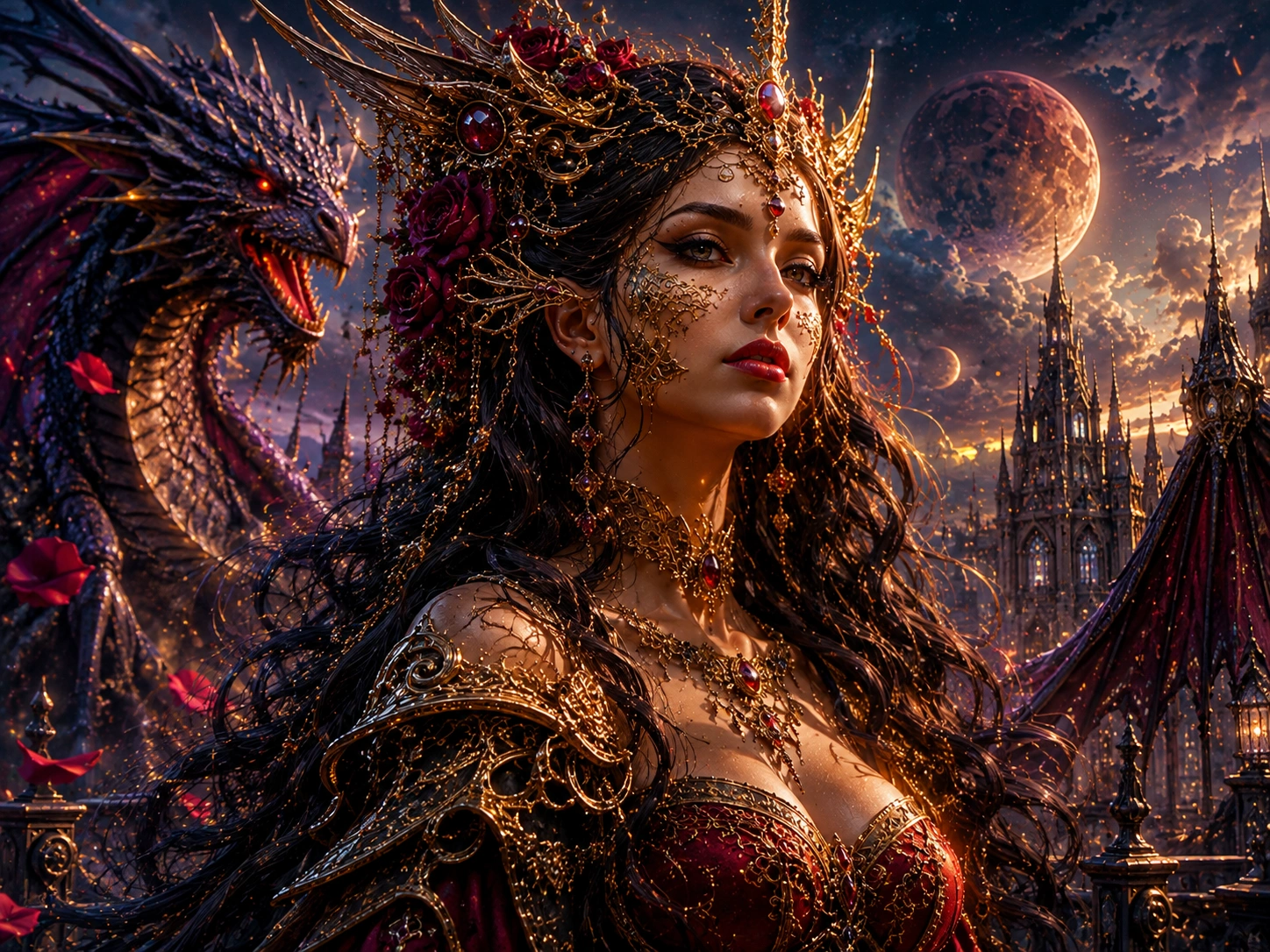
Reference Image
Fantasy Portrait
01A dramatic fantasy character portrait with flowing hair, ornate clothing, atmospheric lighting, and a mystical environment.
Best for: preserving character details, atmosphere, lighting, and cinematic styling.
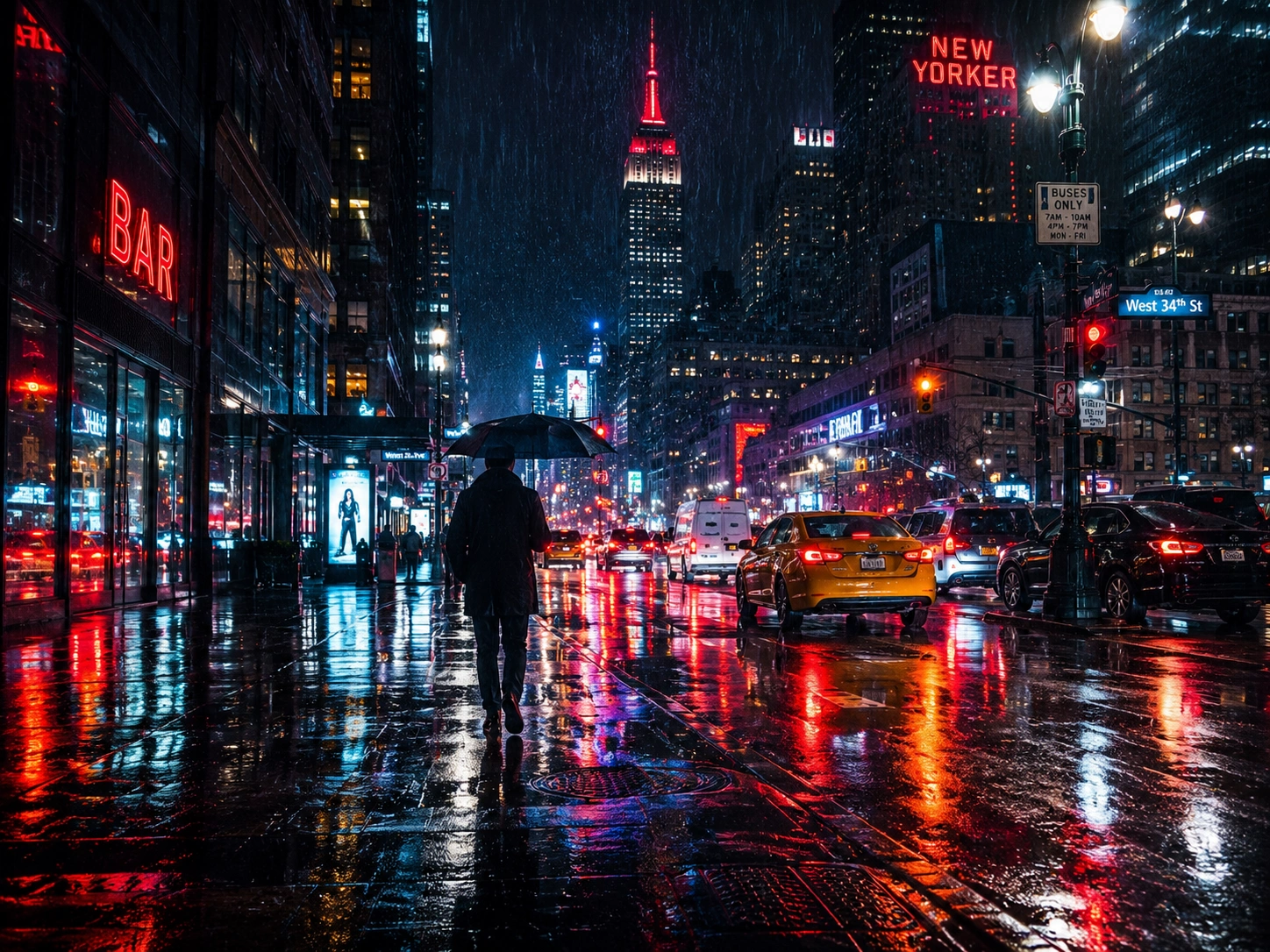
Reference Image
Rainy City Street
02A realistic nighttime city scene with rain, reflections, traffic lights, pedestrians, and atmospheric urban lighting.
Best for: realistic scenes where lighting, perspective, reflections, and photographic details matter.
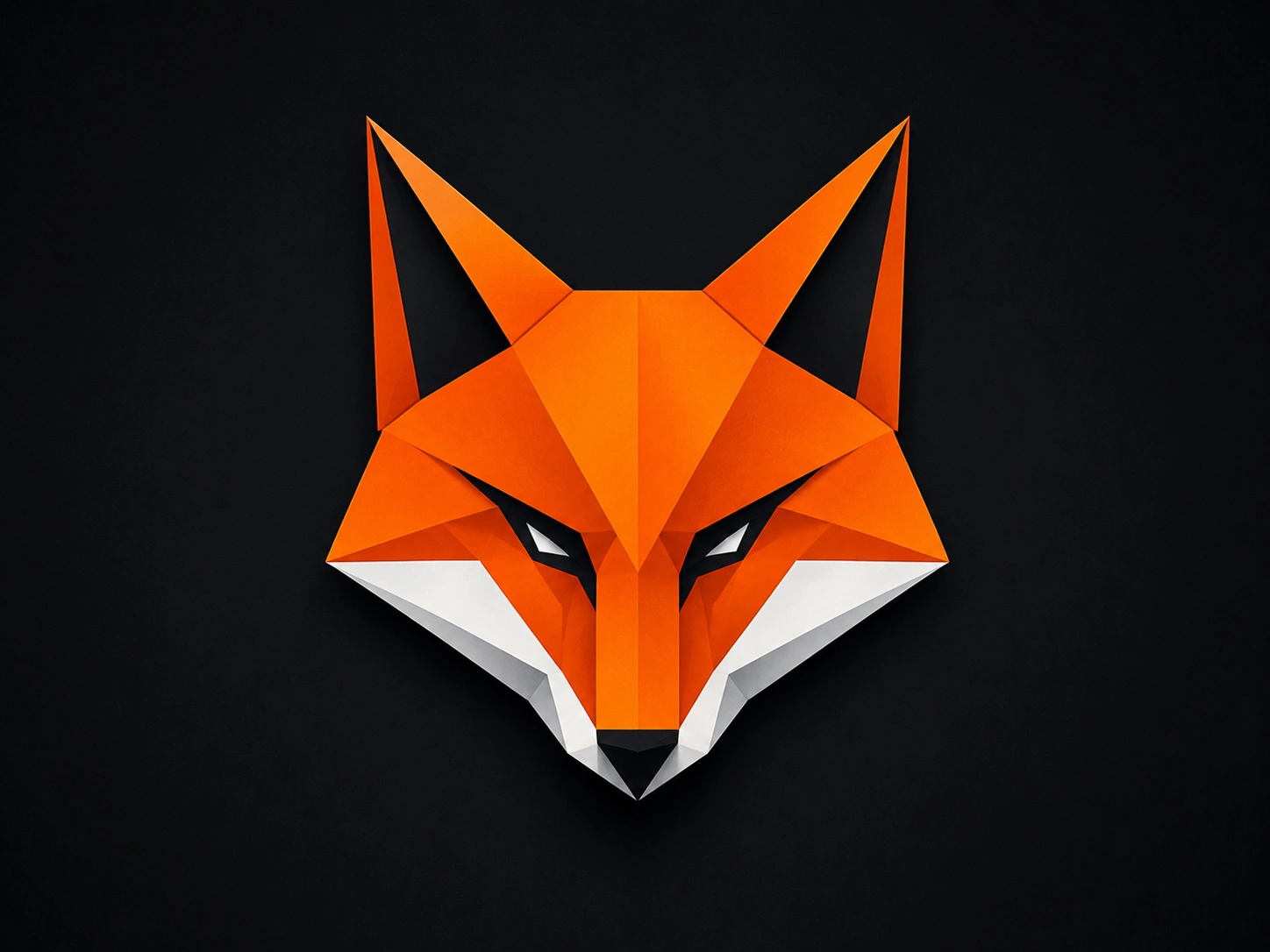
Reference Image
Geometric Fox Logo
03A minimalist fox logo built from clean geometric shapes, angular lines, and a simple modern visual identity.
Best for: simple concepts where you want the AI to have more creative freedom.
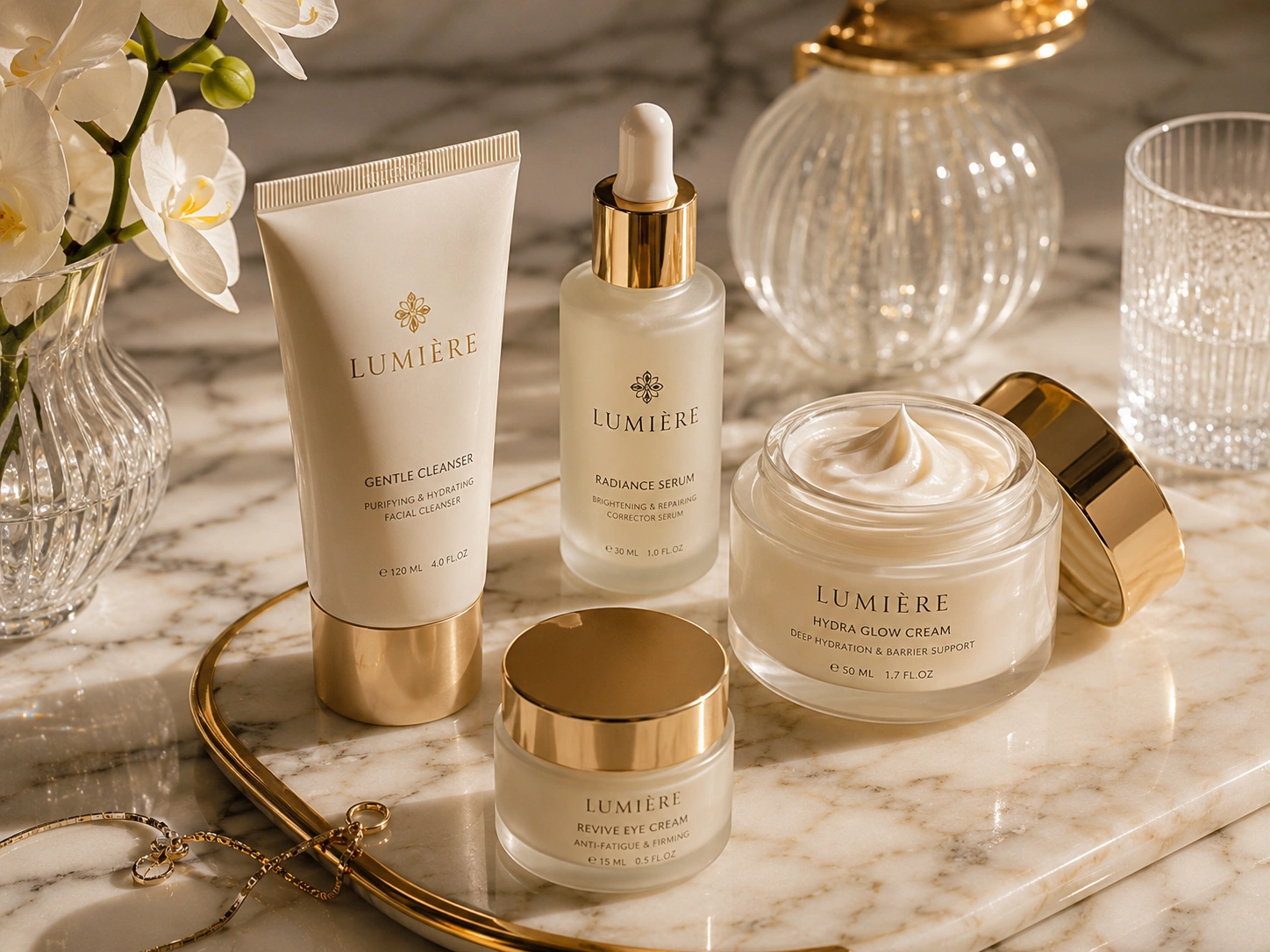
Reference Image
Skincare Product
04A premium skincare product positioned on a marble surface with soft studio lighting and a clean luxury advertising aesthetic.
Best for: e-commerce visuals, product advertising, mockups, and commercial creative.
Frequently Asked Questions
Have a question about converting images into AI prompts? Find quick answers to common questions about the ConverterMAX image to prompt generator.
An image to prompt generator is an AI-powered tool that analyzes an uploaded image and converts its visual characteristics, such as the subject, composition, lighting, colors, and style, into a text prompt. You can then use that prompt as a starting point in an AI image generator such as Midjourney, ChatGPT/DALL-E, Stable Diffusion, or Flux.
Upload your photo to the ConverterMAX image to prompt tool, choose the prompt style that matches your target AI tool, select your preferred detail level, and click Generate. The tool analyzes the image and returns a text prompt that you can copy, edit, and use in your preferred AI image generator.
Yes. The ConverterMAX image to prompt generator is free to use in your browser. No account, login, or subscription is required to use the tool. Availability and usage limits, if any, are determined by the current version of the tool.
Midjourney's
/describe
feature analyzes an uploaded image and
generates prompt suggestions intended for
Midjourney workflows. ConverterMAX is designed
for a broader image-to-prompt workflow, allowing
you to choose different prompt styles and detail
levels for tools such as Midjourney,
ChatGPT/DALL-E, Flux, Stable Diffusion,
Photography, and other creative workflows.
Yes. You can upload a clear screenshot from a movie, game, video, presentation, website, or other visual source, provided the image meets the tool's supported format and size requirements. For video references, taking a screenshot of a useful frame is a simple way to analyze its visual characteristics.
ConverterMAX supports JPG, PNG, and WEBP images. The current tool limit is 30MB per image. Make sure your uploaded file uses one of these supported image formats and stays within the maximum upload size.
Image storage depends on how the current ConverterMAX image processing system is configured. If uploaded images are processed temporarily and deleted after processing, your website privacy policy should clearly explain that. Make sure this statement matches your actual image processing and retention practices.
The generated prompt can be used as a starting point for your creative workflow. However, commercial rights for the final images you generate depend on the terms and policies of the specific AI image generator you use. Always check the current commercial-use terms of the platform before using generated images for commercial work.
Reverse prompting is the process of starting with an existing image and working backward to identify the kinds of text descriptions that could recreate or approximate its visual characteristics. Image-to-prompt generators automate much of this process, giving you a useful starting point without requiring advanced prompt engineering knowledge.
Related AI Tools
Explore more ConverterMAX AI tools for creating, understanding, and improving images and prompts.
Image Caption Generator
Generate engaging captions for your images, social media posts, and creative content.
→Image Describer
Analyze an image and get a clear description of its subjects, objects, and visual details.
→Prompt Enhancer
Improve your existing AI prompts with clearer instructions, detail, structure, and context.
→