
Free AI Image Describer
Upload any image and instantly get an accurate, AI-powered description. Choose your style — from quick alt text to detailed analysis — in just seconds.
Upload Image
Drag & drop your image here
JPG • PNG • WEBP • Up to 30MB
Generated Description
Copied!
Ask About This Image
What Is an AI Image Describer?
An AI image describer is a tool that uses artificial intelligence to analyze an image and explain what it shows in clear, natural language. Instead of manually describing a photo, you can upload an image and receive a written explanation of the important visual details.
An AI image describer can identify and describe elements such as people, objects, animals, activities, surroundings, colors, and visible text. Depending on the image and the type of description you need, it can provide anything from a quick overview to a more detailed explanation of the scene.
These tools can be useful for many everyday tasks, including understanding visual content, creating image descriptions, writing alt text, preparing product content, and generating captions for images. They can also help you quickly turn visual information into readable and useful text.
How to Use the ConverterMAX Image Describer
Describe an image in just a few simple steps. Upload your image, select a description style, and let AI create a clear and useful description for you.
Upload Your Image
Click Choose Image or drag and drop your JPG, PNG, or WEBP image into the upload area.
Choose a Description Style
Select the style that matches your needs, such as General, Detailed, Short, Simple, or Professional.
Describe the Image
Click Describe Image and let the AI analyze your uploaded image to generate a clear description.
Copy Your Description
Review the generated result and click Copy to quickly use the description wherever you need it.
AI Image Describer Examples
See how different types of images can be turned into clear and useful descriptions using different description styles.

Example 1: Lifestyle Photo
Style: GeneralAI Image Describer:
A woman with long dark hair sits at a wooden table in a bright, modern café, focused on typing at a silver laptop in front of her. She wears a loose beige button-up shirt and blue jeans, with a ceramic mug of coffee beside her. Large windows allow natural light into the café, while greenery and street activity can be seen outside. Pendant lamps and potted plants add visual interest to the warm, comfortable interior, creating a calm and productive atmosphere.
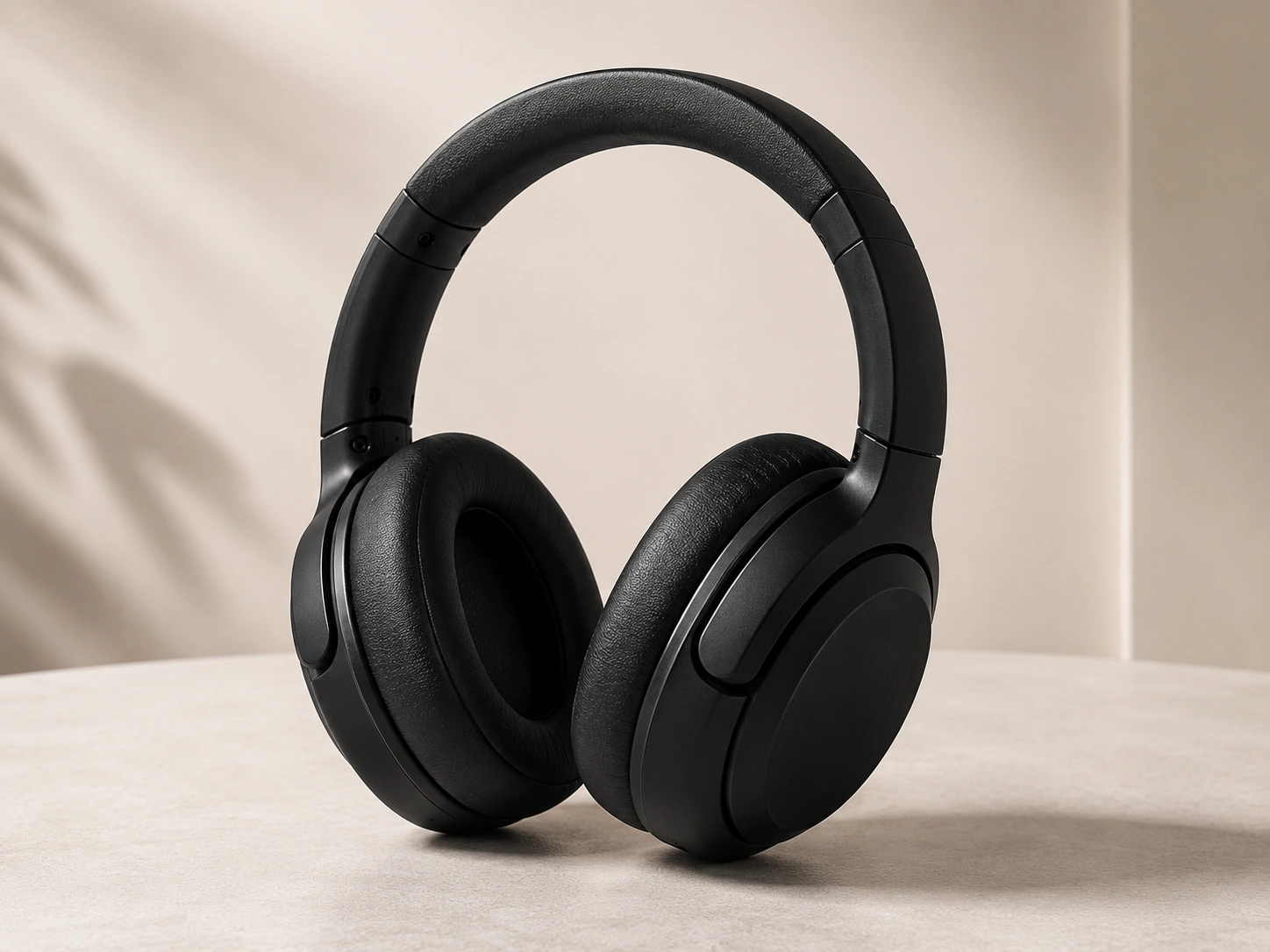
Example 2: Product Image
Style: Product DescriptionAI Image Describer:
A pair of over-ear wireless headphones is presented in a clean studio setting. The headphones feature a matte black finish, smooth ear cup housings, padded ear cushions, and a matching padded headband. The rounded design includes large oval ear cups and adjustable mechanisms near the headband. Subtle controls are integrated into the outer surfaces, giving the headphones a sleek, modern, and professional appearance.
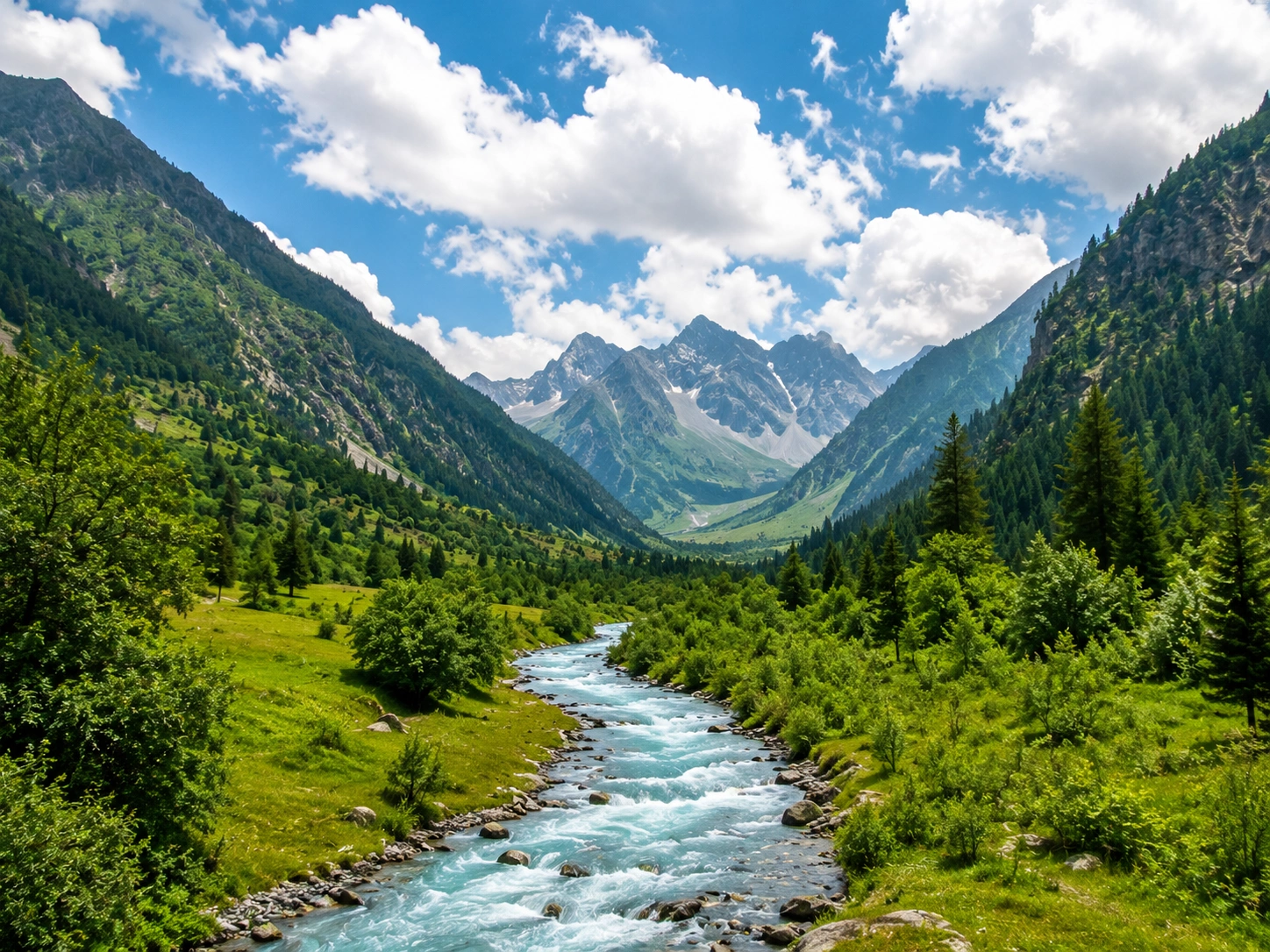
Example 3: Nature Photo
Style: GeneralAI Image Describer:
A vibrant blue river with white rapids flows through a lush green valley, surrounded by steep forested mountains. Dense vegetation covers both sides of the water, while rocky peaks rise in the distance. The clear blue sky is filled with large white clouds, and bright sunlight illuminates the landscape, highlighting the rich green vegetation and striking blue color of the river.
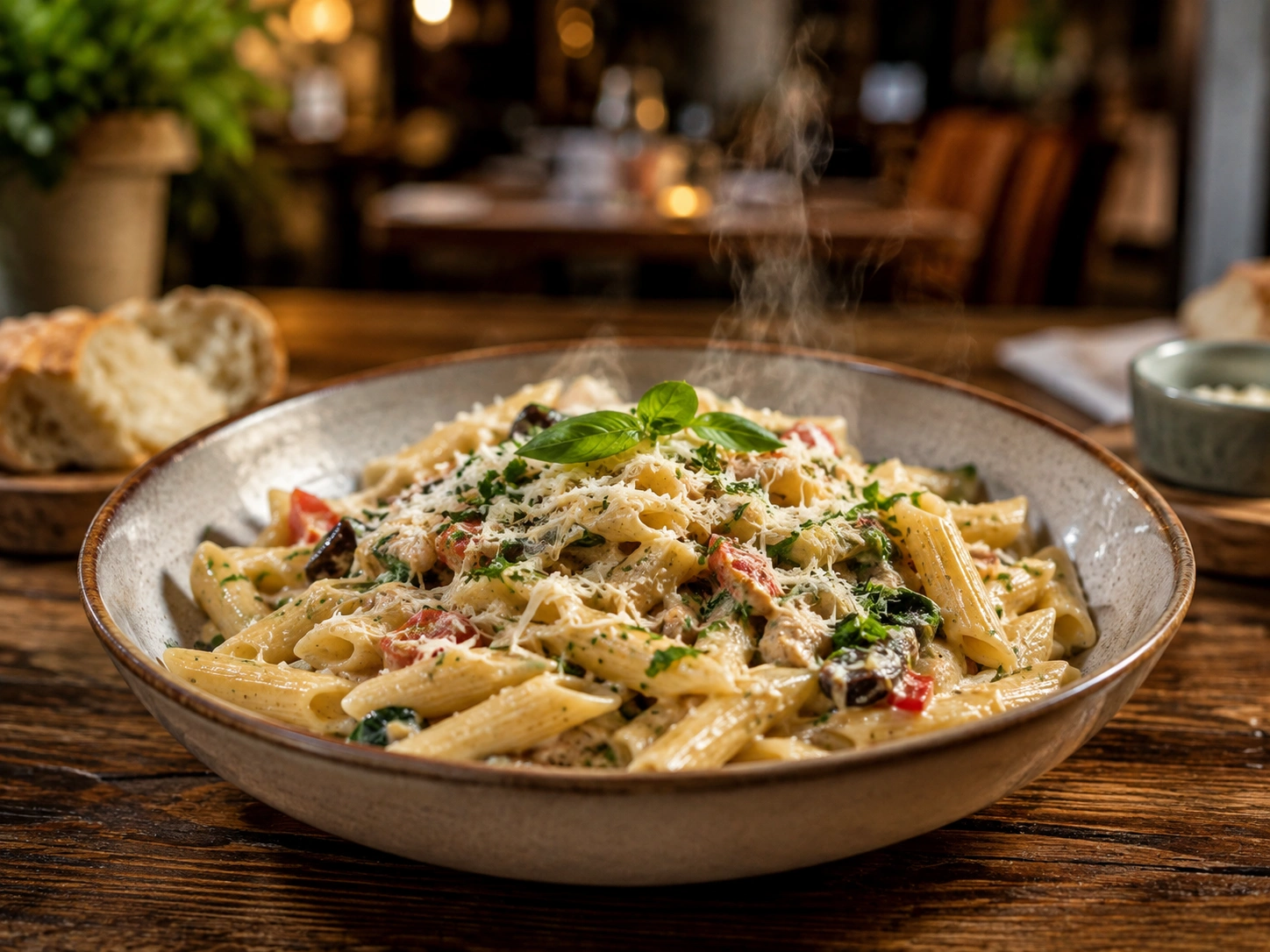
Example 4: Food Image
Style: CreativeAI Image Describer:
A generous bowl of creamy penne pasta sits on a rustic wooden table, with steam rising gently from the dish. The pasta is topped with herbs, grated cheese, tomato pieces, olives, and a fresh basil leaf. A small dish of bread sits nearby, while another bowl contains additional cheese. Warm ambient lighting and earthy colors create an inviting and intimate dining atmosphere.

Example 5: Image With Text
Style: GeneralAI Image Describer:
A colorful promotional poster displays the text "SUMMER SALE" and "UP TO 50% OFF" against a bright yellow-orange background. Tropical palm leaves and flowers decorate the design, while a straw hat, sunglasses, tote bag, and sunscreen appear along the bottom. A small potted plant sits beside the poster, and natural window shadows fall across the wall. The overall design creates a cheerful summer and vacation-inspired atmosphere.

Example 6: Alt Text
Style: Alt TextAI Image Describer:
A golden retriever sitting on green grass in a sunny park with trees in the background.
Frequently Asked Questions
What is an AI image describer?
An AI image describer is a tool that uses artificial intelligence to analyze an image and create a written description of the visible content, including important objects, people, activities, and surroundings.
How does an AI image describer work?
The AI analyzes the visual information in an uploaded image, identifies relevant details, and converts those observations into a natural-language description that is easy to understand.
What images can I use with the image describer?
You can use supported JPG, PNG, and WEBP images. For better results, choose a clear image where the important visual details are easy to see.
Can I choose the type of image description?
Yes. ConverterMAX supports different description styles, including General, Detailed, Short, Simple, Creative, Professional, Alt Text, Product Description, and Social Media Caption.
Can I ask questions about an uploaded image?
Yes. You can ask questions about the visible content of an uploaded image and receive an AI-generated answer based on what the tool can identify.
Can an AI image describer create alt text?
Yes. An image describer can create concise alt text that summarizes the important visual content of an image, which can be useful for accessibility and website content.
Can I use an image describer for product images?
Yes. Product images can be analyzed using a product-focused description style. This can help create useful descriptions for e-commerce listings, product pages, and other marketing content.
Is the image description generated in English?
Yes. The ConverterMAX Image Describer generates image descriptions in English.
Related AI Tools
Explore more AI-powered tools from ConverterMAX to create image captions, generate AI prompts, and improve your existing prompts.
Image Caption Generator
Create engaging captions for your photos and images with AI. Useful for social media posts, websites, and everyday content.
Try Image Caption Generator →Image to Prompt Generator
Turn the visual details of an image into a detailed AI prompt for creative image generation and prompt-based workflows.
Try Image to Prompt →Prompt Enhancer
Improve your existing AI prompts by making them clearer, more detailed, structured, and effective for different AI tasks.
Try Prompt Enhancer →